Aderant iTimekeep
Auto-generate draft billing narratives from work done in Harvey, delivered to Aderant's iTimekeep for review and approval.
Last updated: Sep 30, 2026
Overview
The Aderant Integration connects Harvey to Aderant iTimekeep, so the work you do in Harvey can flow directly into your firm's timekeeping workflow as draft billing narratives. Instead of recreating what you did from memory hours or days later, you can push a Harvey-generated draft to iTimekeep, review it there, and confirm.
Harvey never creates a final billable entry. Every entry stays a draft in iTimekeep until you approve it, and every Harvey-originated entry is tagged so your firm can measure AI-assisted work over time.
Enable Aderant iTimekeep in Your Workspace (Admins)
Important: For the Aderant integration to work, your firm must be licensed for iTimekeep (premium not required). The admin who sets up the integration needs their own iTimekeep account with the admin role, but they do not need to be a timekeeper. As long as your firm is already entitled to iTimekeep, adding a non-timekeeper admin to your subscription has no licensing cost or impact. Individual users within Harvey must have the timekeeper role in iTimekeep.
An administrator must enable the Aderant integration in your Harvey workspace before anyone can use it.
To enable the integration as an admin:
- Go to Command Center → Configurations → Connectors.
- Navigate to Aderant iTimekeep and select Add.
- Follow the prompts to add the integration to your workspace and to select which users and roles have access.
- Select Enable Integration.
- Go back to your list of connectors, find Aderant iTimekeep in the list, and select it to open the configuration window.
- Under Configuration, sign in to your iTimekeep admin account and choose your iTimekeep subscription.
- Select Save.
How to Use
Connect Your iTimekeep Account
- In the lower right corner of Harvey’s sidebar, select your name.
- In the popover, select
 Personal Settings.
 - Select Connectors.
- Select Aderant iTimekeep from the list and choose Sign in.
- Sign in on the Aderant-hosted login page using your iTimekeep credentials.
Submit a Draft Narrative
You can submit time from inside an Assistant thread, Vault review table, or the Harvey Word Add-In.
- After completing your work, select Submit time to open the Aderant draft submission menu.
- Review your narrative and time duration and make edits if needed. Harvey generates a 1-2 sentence narrative based on the session's activity.
- Add Client-Matter, if required.
- Select Submit draft to iTimekeep.
- Review and confirm your draft within iTimekeep.
Review, edit, and post it using your firm's existing iTimekeep workflow. The entry becomes a billable record after your confirmation.
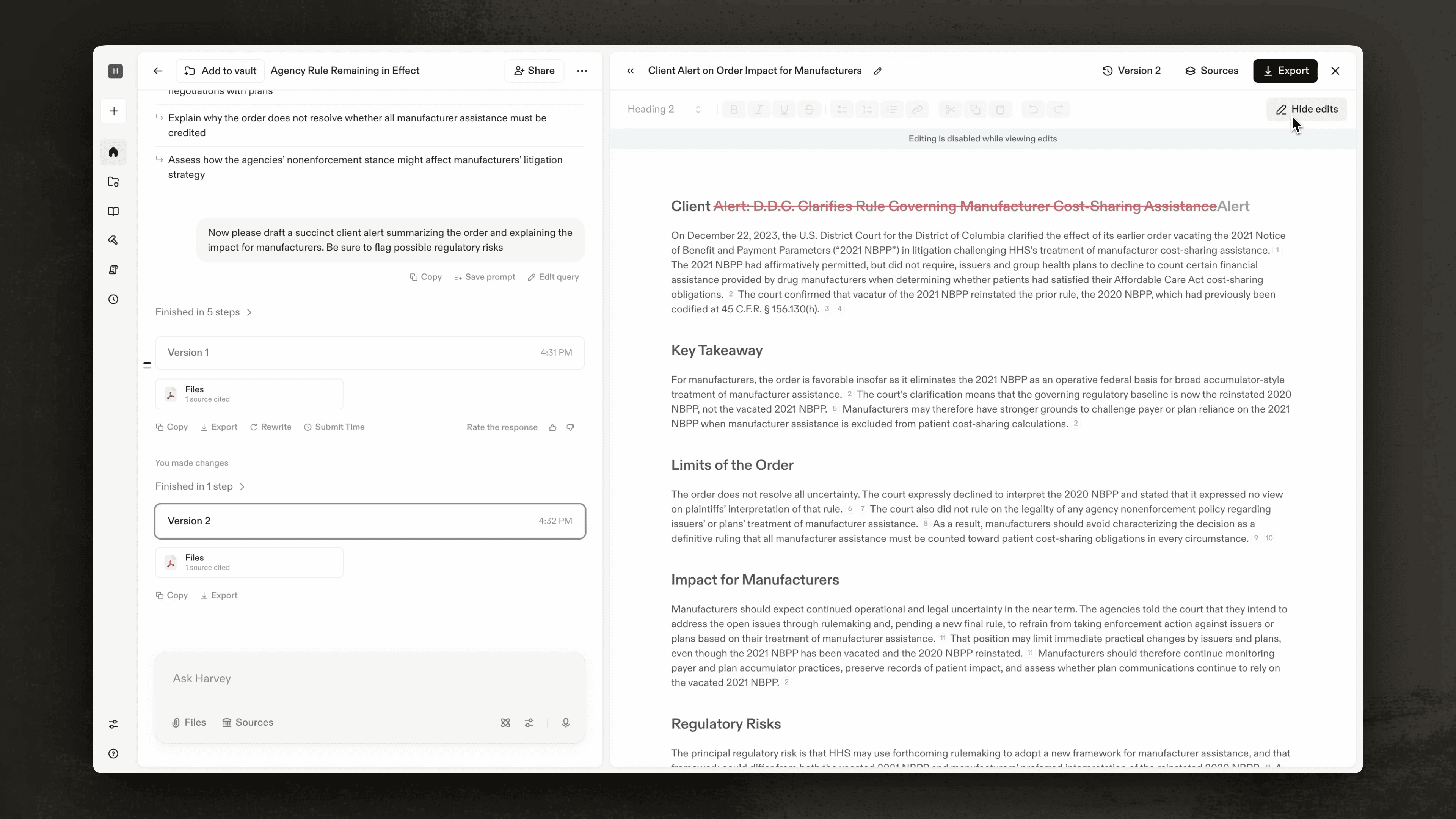
Watch the draft submission process from start to finish in the video below:
Notes & Limitations
- The Aderant integration currently supports manual time submission. In the future, automatic submission will batch the day's activity and send drafts to iTimekeep at end of day. This feature can be toggled on or off.
- You can only submit time to matters you're authorized to use in iTimekeep, including ethical walls.
FAQs
Was this article helpful?